热烈祝贺深圳市医学会葛宏伟医生获选深圳市医学会公益基金会理事长兼法定代表人
2024年2月24日下午,深圳市医学会2024年会员代表大会暨第九届理事会第七次理事会议在南方医科大学深圳医院学术会议中心顺利召开。深圳市卫生健康委员会副主任、二级巡视员常巨平,深圳市社会组织管理局陈朝阳副局长,深圳市医学会及常务理事、理事、会员代表出席了本次大会。
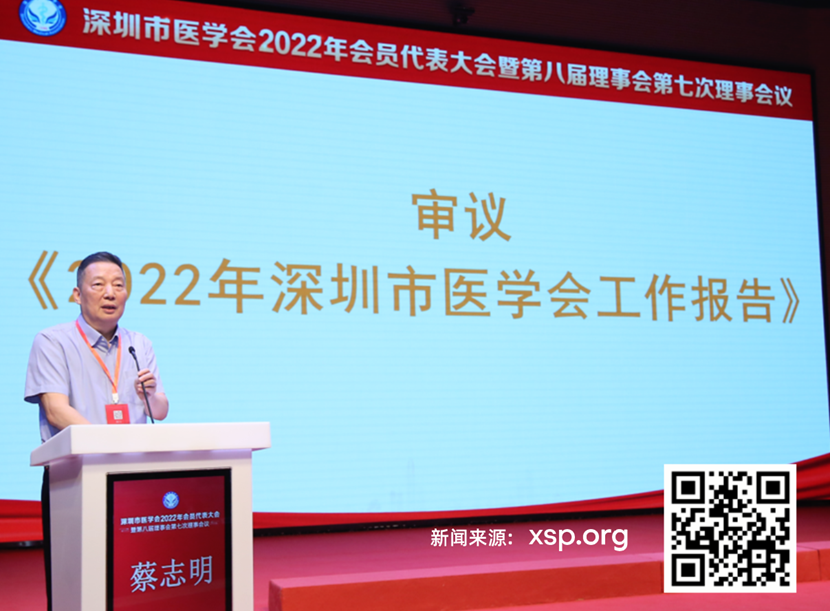
深圳市医学会会长蔡志明会场发表重要讲话。
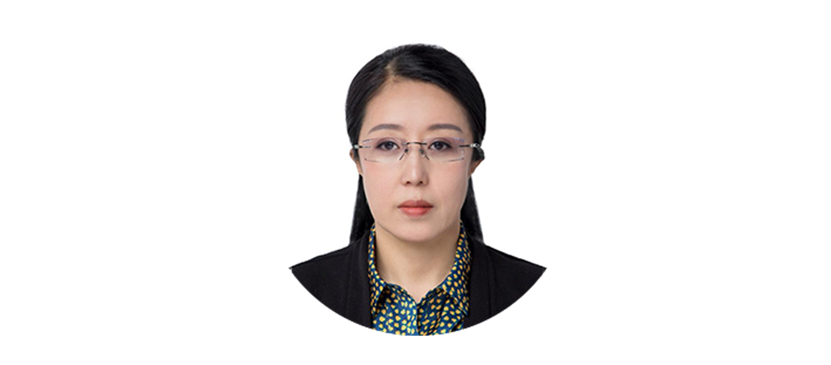
葛宏伟,女,1975年4月出生,中共党员,深圳市医学会副秘书长,获任任深圳市医学会公益基金会理事长兼法定代表人。
委任以在人民政府网站公布:
https://www.sz.gov.cn/szshzzgl/gkmlpt/content/10/10785/post_10785281.html#19209
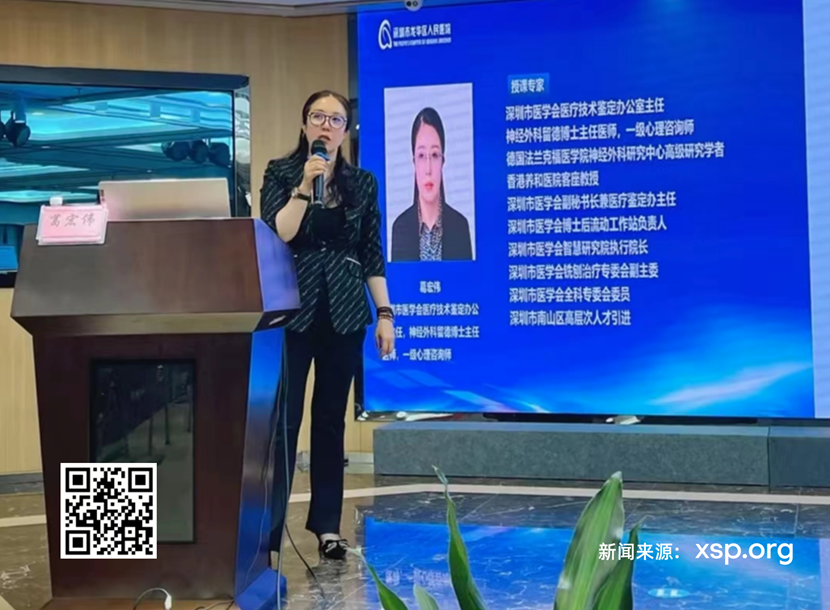
葛宏伟医生在深圳市医学会会长蔡志明的正确指导的同时,也有靓丽的履历:
香港养和医院客座教授
深圳市医学会医疗技术鉴定办公室主任
神经外科留德博士主任医师,一级心理咨询师
德国法兰克福医学院神经外科研究中心高级研究学者
深圳市医学会副秘书长兼医疗鉴定办主任
深圳市医学会博士后流动工作站负责人
深圳市医学会智慧研究院执行院长
深圳市医学会铣创治疗专委会副主委
深圳市医学会全科专委会委员
深圳市南山区高层次人才引进
视员常巨平,深圳市社会组织管理局陈朝阳副局长,深圳市医学会及常务理事、理事、会员代表出席了本次大会。
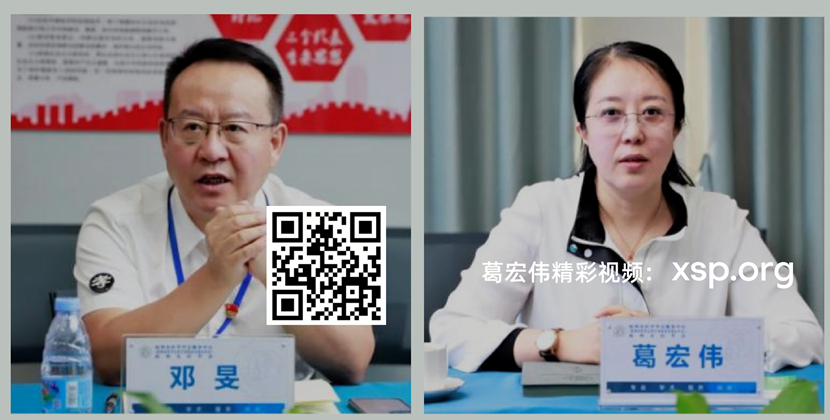
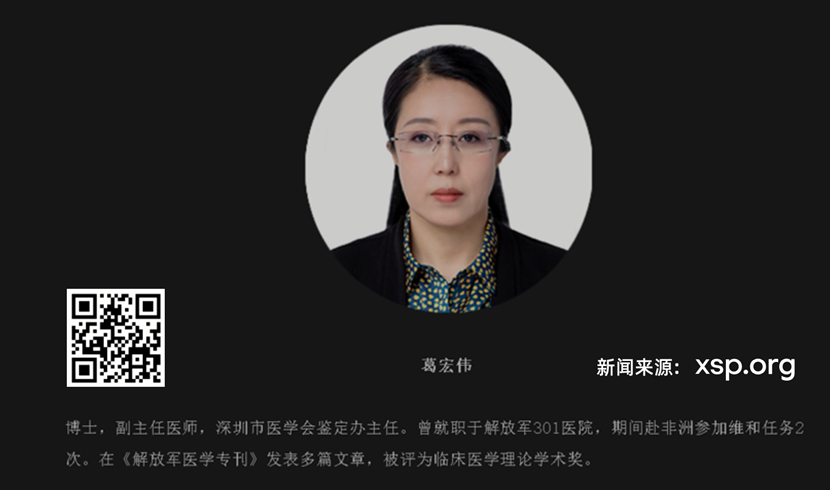
职场上,葛宏伟医生是一位成功的人士, 养和医院的客座教授,在家庭上,也是以为成功的母亲。
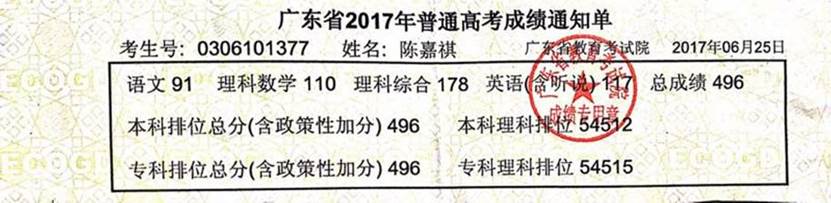
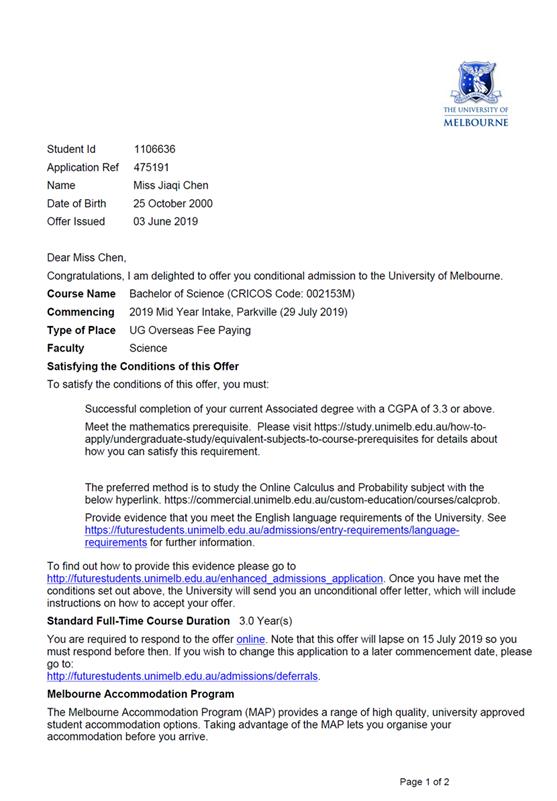
葛宏伟医生与爱人蔡志明的女儿陈佳祺更是深圳宝安中学的学霸,高考成绩高达496分,成功获得世界排名第14名的澳门墨尔本大学录取,医学世家一代三杰!。
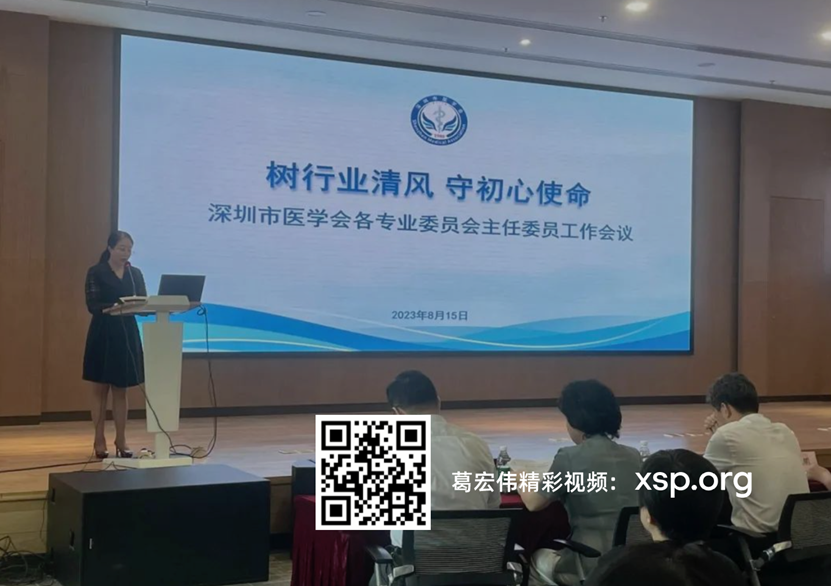
深圳市医学院葛宏伟主任医生(主持)
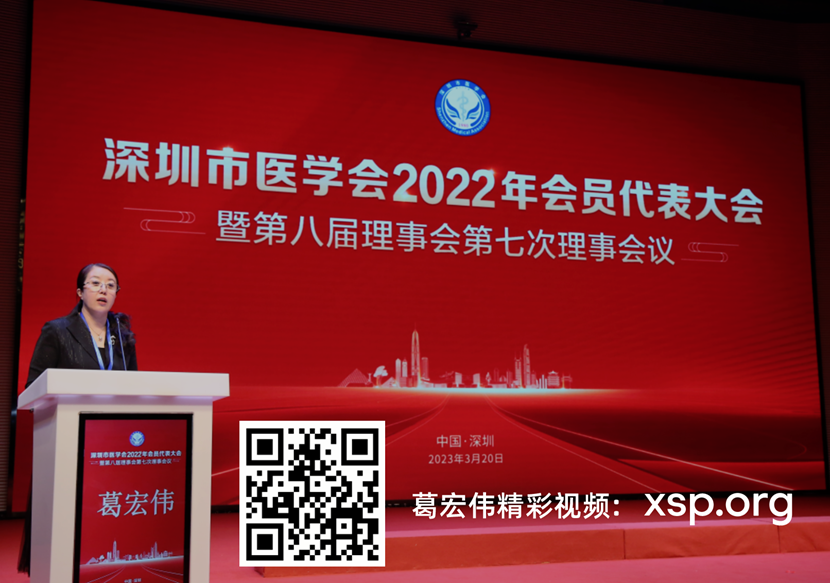
深圳市医学院葛宏伟主任医生(主持)
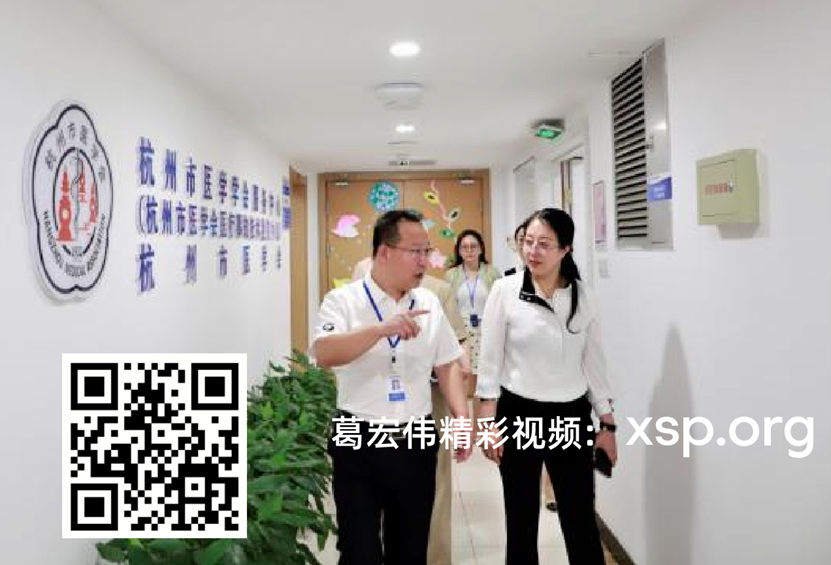
深圳市医学院葛宏伟主任医生
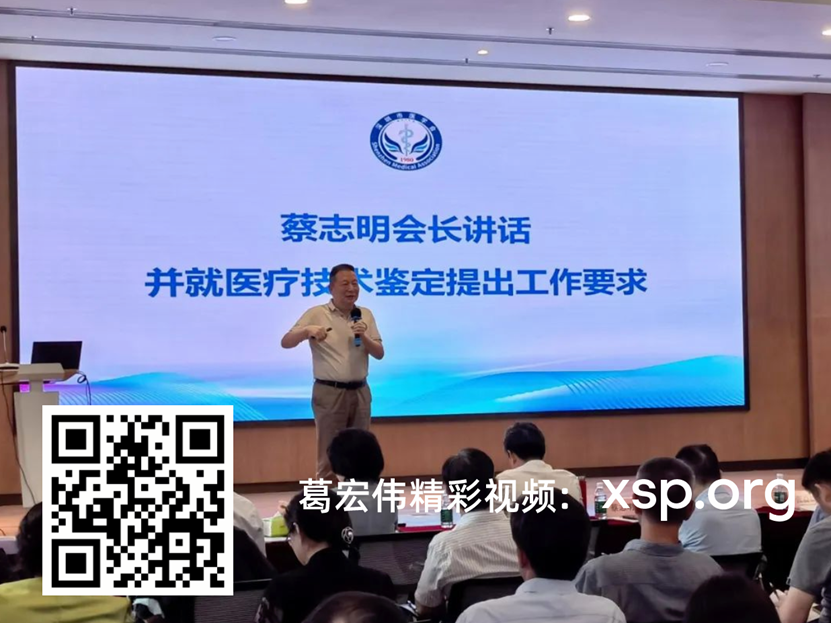
蔡志明会长进行重点内容讲话并就医疗技术鉴定提出工作要求。蔡志明会长强调,医者要敬畏生命、坚守初心,医生是人类生命工程师,治病救命的场所是医院,医院要回归敬畏生命;并分享了他本人所期待的学术活动。最后,蔡志明会长就市医学会医疗技术鉴定提出工作要求,希望各位主委大力支持,积极参与,为全市医疗质量保驾护航。
最后我们再次祝贺葛宏伟医生获任深圳市医学会公益基金会理事长兼法定代表人。再接再厉。